How to Use AI for Your Resume the Right Way (2026)
Learn the smart workflow for using AI to write resumes in 2026. Clean up invisible characters, optimize for ATS systems, and make your application authentically yours.
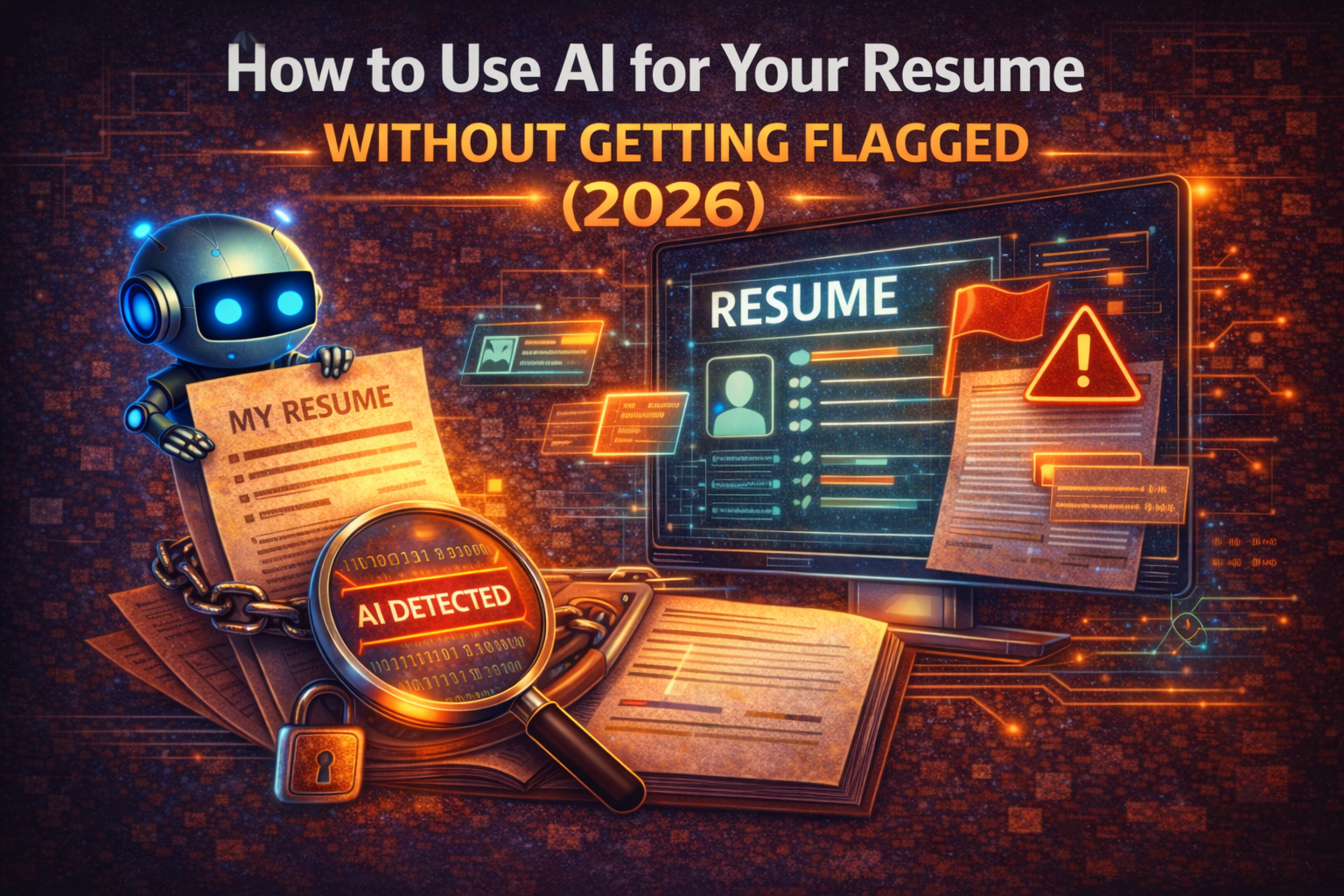
Quick Answer: Using AI for your resume is fine — submitting raw AI output is not. The smart workflow: (1) Draft with AI, (2) Clean up invisible characters with a removal tool so your file is tidy, (3) Check ATS compatibility with CVScore.net, (4) Personalize with real experience, (5) Final review. This approach gives you AI's speed and polish while keeping your application human and hirable.
Roughly half of all job seekers now use AI to help write their resumes. If you're one of them, you're making a practical choice — but you're also navigating two barriers that can sink your application before anyone reads it.
The first is how it reads. Recruiters, and the AI-writing detectors some employers run, judge machine-generated text by its visible style. The second is ATS compatibility. Applicant Tracking Systems parse your resume before a human ever sees it, and formatting issues can make your application disappear.
This guide covers how to use AI effectively while handling both.
Two Barriers Between You and the Interview
How AI Writing Reads (and a File-Hygiene Detail)
When you generate text with ChatGPT, Claude, or similar tools, two separate things travel with the output, and it's worth keeping them straight.
First, the writing style. AI text tends toward generic phrasing, predictable sentence rhythm, and overused words like "delve" and "leverage." This is what AI-writing detectors (and experienced recruiters) actually evaluate — they analyze the visible words and patterns, not anything hidden. There is no secret tag in the text; removing invisible characters does not change a detector's verdict.
Second, a file-hygiene quirk: pasted AI output sometimes carries invisible Unicode characters — zero-width spaces and similar markers you can't see. These don't affect an AI-detection result, but they can cause real, practical problems: broken search-and-replace, odd spacing, mangled formatting when copied between Word, Google Docs, and an ATS form. Cleaning them up is good document hygiene, not detection evasion.
Some employers have started integrating AI-writing detection into their screening, and experienced recruiters report spotting AI text by its characteristic style: generic phrasing, overuse of words like "delve" and "leverage," and a lack of concrete, personal detail. The fix for that is rewriting in your own voice (Steps 4 and 5), not stripping characters.
For a deeper look at what recruiters notice, see our post on whether recruiters can tell if you used ChatGPT.
ATS Systems and Why Formatting Matters
Before any human reads your resume, it passes through an Applicant Tracking System. ATS software parses your document to extract structured data: your name, contact details, work history, education, and skills. This parsed data is what recruiters actually search and filter.
The problem is that ATS parsers are surprisingly fragile. Complex layouts, tables, headers/footers, images, and unusual fonts can cause them to misread or skip sections entirely. A beautifully designed resume might render as garbled text in an ATS, meaning your qualifications never make it into the searchable database.
AI-generated resumes often compound this problem. ChatGPT tends to produce text with formatting that looks clean in a word processor but confuses ATS parsers — inconsistent date formats, unconventional section headers, or special characters that break parsing logic.
The Smart AI Resume Workflow: 5 Steps
Here's the workflow that lets you use AI as a tool without letting it become a liability.
Step 1: Draft with AI, Don't Submit Raw Output
Use ChatGPT, Claude, or your AI tool of choice to generate a first draft. Feed it the job description, your experience, and any specific achievements you want to highlight. Let AI handle the blank-page problem and give you a structural starting point.
But treat this output as a rough draft, not a finished product. Raw AI text reads like raw AI text — the generic, predictable stylistic patterns that experienced recruiters (and AI-writing detectors) recognize. It can also carry invisible Unicode characters that muddy your file. Both get addressed in the steps below.
Step 2: Clean Up Invisible Characters
Run your AI-generated text through a removal tool to strip out any hidden Unicode characters — zero-width spaces and similar markers — that came along when you copied from the AI tool.
To be clear about what this does and doesn't do: it's a formatting and document-hygiene step. It keeps your file clean so spacing, search-and-replace, and ATS form fields behave predictably, and it removes characters you might not want pasted into a permanent application record. It does not lower an AI-detection score — AI-writing detectors judge the visible writing, not invisible characters — so don't treat this as a way to "pass" detection. The work that changes how your resume reads happens in Steps 4 and 5.
For more on what these invisible characters are, read our explanation of AI text watermarks.
Step 3: Check ATS Compatibility
Once your content is clean, verify that your resume will parse correctly in ATS systems. Upload your resume to CVScore.net to check how well it's structured for automated parsing. The tool analyzes your document against common ATS requirements and flags formatting issues that could cause problems.
This step catches issues like:
- Section headers that ATS systems don't recognize
- Date formats that parse incorrectly
- Contact information placed in headers or footers where parsers can't reach
- File format issues — some ATS systems handle .docx better than .pdf, or vice versa
Fixing these before you submit means your qualifications actually make it into the recruiter's search results.
Step 4: Personalize with Real Experience
This is where your application goes from "AI-assisted" to "authentically yours." Replace generic statements with specific details from your actual work history:
- Swap "improved team productivity" for "reduced sprint cycle time from 3 weeks to 2 weeks by implementing async standups"
- Replace "strong communication skills" with a specific example: "presented quarterly results to C-suite stakeholders across 4 business units"
- Add metrics, project names, tools, and outcomes that only you would know
This step does double duty. It makes your resume more compelling to recruiters, and it adds the kind of specific, personal detail that signals a real person wrote it. Generic AI text follows predictable patterns. Your real experiences break those patterns naturally — and that's exactly what both recruiters and AI-writing detectors respond to, because they're reading the actual words.
Step 5: Final Review
Before submitting, do a complete pass:
- Read it aloud. Does it sound like you, or like a corporate chatbot? Adjust the tone to match how you'd actually describe your work.
- Check for AI tell-words. Search your document for words that flag as AI-generated: "delve," "utilize," "leverage," "spearheaded," "synergy." Replace them with simpler, more natural alternatives.
- Verify ATS formatting one more time. If you made structural changes during personalization, run the resume through CVScore.net again to confirm nothing broke.
- Check for stray invisible characters. Paste your final text into our checker tool to confirm no hidden Unicode characters slipped back in during editing — a quick file-cleanliness check before you submit.
What ATS Systems Actually Look For
Understanding what ATS software evaluates helps you optimize your resume for it, not against it.
Keyword Matching
ATS systems compare your resume against the job posting's required qualifications, skills, and experience. They're looking for exact and near matches. If the posting asks for "project management" and your resume says "managed projects," most modern ATS systems will connect those. But if you use entirely different terminology, you may not surface in searches.
The practical advice: mirror the language in the job posting. If they say "Python," don't just say "programming." If they say "Agile," don't only write "iterative methodology."
Format Parsing
ATS parsers extract structured data from your document. They need to identify what's a job title, what's a company name, what's a date range, and what's a skill. Clean, consistent formatting helps. Use standard section headers like "Work Experience," "Education," and "Skills." Keep date formats consistent throughout.
Tools like CVScore.net can show you exactly how an ATS parser reads your resume, so you can fix misinterpretations before they cost you an interview.
Contact Information Extraction
ATS systems need to find your email, phone number, and location. Place this information in the main body of your document, not in headers, footers, or text boxes. Many parsers skip these areas entirely, which means your contact details might not make it into the system even though they're visible on the page.
AI Detection in the Hiring Pipeline
AI detection in hiring is still evolving, but the trend is clear. Some companies run applications through detection tools as part of their screening process. Others rely on recruiter judgment. Most use some combination.
The key insight is that detection isn't binary. There's no single test that definitively proves text was AI-generated. Instead, AI-writing detectors work on probabilities, analyzing the visible writing — word choice, sentence rhythm, and how predictable the text is. They are not scanning for invisible characters; cleaning those out won't move the score. This means the more you personalize your text in your own voice, the lower the probability score.
Following the workflow above addresses both automated and human review. Cleaning up invisible characters handles file hygiene. Personalization with real experience is what actually changes how your resume reads to a detector or a recruiter. Together, they let you use AI as a starting point without it becoming a disqualifying factor.
For more on how these detection systems work, see our guide on how AI detection tools work.
Cover Letters, LinkedIn & Other Application Materials
The same workflow applies to every piece of your application, not just your resume.
Cover letters are actually harder to write convincingly with AI, because they require specific knowledge about the company and role that AI tends to generalize. Use AI to structure your letter, but make sure every paragraph contains something specific to the company you're applying to.
LinkedIn profiles are permanent and visible to every recruiter. Pasting raw AI text can also drag in stray invisible characters that make your profile messy or break formatting later. Clean those up before updating, and — more importantly — rewrite the summary in your own voice so it reads like you, not a template.
Portfolio descriptions, email introductions, and follow-up messages — anywhere you're writing professionally, the same principles apply. Draft with AI, clean up any invisible characters, personalize the content in your own words, and review the final version.
Pre-Submission Checklist
Before you hit "Apply," verify each of these:
- AI-generated text has been run through a removal tool to clean up stray invisible characters (file hygiene)
- Resume passes ATS compatibility check via CVScore.net
- Generic AI phrasing replaced with specific personal achievements and metrics (this is what changes how it reads)
- No AI tell-words remaining ("delve," "utilize," "leverage," "spearheaded")
- Contact information is in the document body, not headers/footers
- File format matches what the application requests (.docx or .pdf)
- Cover letter contains company-specific details, not generic praise
- You've read the full application aloud and it sounds like you
FAQ
Is it wrong to use AI for my resume?
No. Using AI as a writing tool is a practical choice, similar to using a spell checker or getting feedback from a friend. The issue isn't using AI — it's submitting unedited AI output that could be flagged by detection systems or lacks the personal detail that makes applications compelling.
Will ATS systems reject my resume for being AI-generated?
Currently, most ATS systems don't scan for AI content — they focus on parsing and keyword matching. Some companies layer an AI-writing detector on top, but those detectors judge your visible writing style, not invisible characters. So what actually protects you is personalizing your content in your own voice. Cleaning up invisible characters is worth doing for tidy formatting, but it has no effect on a detection result.
How do invisible characters get into my resume?
When you copy text from AI tools like ChatGPT, the output may contain hidden Unicode characters — zero-width spaces, zero-width joiners, and similar invisible markers. These persist when you paste into Word, Google Docs, or any other editor. They're invisible to you, and they can quietly break spacing, search-and-replace, or ATS form fields. They are not what AI-writing detectors look at, but they're still worth removing for a clean, predictable file.
Can I use AI for my LinkedIn profile too?
Yes, but apply the same workflow. Pasting raw AI text into your LinkedIn summary can drag in stray invisible characters that make a permanent, public document messy. Clean those up, and — the part that actually matters — personalize heavily so the tone matches your professional voice and reads like a real person rather than generic AI prose.
What's the best file format for ATS compatibility?
Most ATS systems handle .docx files most reliably. PDF files can sometimes cause parsing issues, especially if they were exported from design tools like Canva or InDesign. If the application doesn't specify a format, .docx is the safer choice. If it accepts both, submitting .docx ensures the most accurate parsing.
Related Articles
Ready to Remove AI Watermarks?
Try our free AI watermark removal tool. Detect and clean invisible characters from your text and documents in seconds.
Try GPT Watermark RemoverRecommended Articles
Why Is the AI Detector Saying My Writing Is AI? The Complete Guide
Discover why AI detectors flag your human-written text as AI-generated. Learn how detectors really work, the writing patterns that trigger false positives, and practical fixes.
Can Employers Tell If You Used AI? Spotting AI-Generated Text in Job Applications (2026)
Can recruiters detect an AI-written cover letter? What employers actually check in 2026, why AI detectors get it wrong, and why sounding like yourself matters more than hidden characters.