Remove ChatGPT Watermarks in Seconds
Text copied out of ChatGPT sometimes contains invisible Unicode characters left behind by how the model generates text. Scan and remove them for free, entirely in your browser.


Free ChatGPT Watermark Removal Tools
Remove AI Watermarks
Professional AI text detection and cleaning
60-second cooldown between scans
Sign in for enhanced features
Clean Word Documents (.docx)
Remove AI watermarks from Word files while preserving all formatting
Drop your Word document here
or click to browse files
Only .docx files • Max 50MB
All processing happens locally in your browser. Your document never leaves your device.
Clean Apple Pages Documents (.pages)
Remove AI watermarks from Pages files while preserving all formatting
Drop your Pages document here
or click to browse files
Only .pages files • Max 50MB
All processing happens locally in your browser. Your document never leaves your device.
Fully Private
All processing happens in your browser
Preserves Formatting
Your document stays visually identical
Instant Processing
Cleaned in seconds
Which Invisible Characters This Tool Removes
Text generated by ChatGPT and other AI chat tools can carry invisible Unicode characters when you copy and paste it. Our scanner checks pasted text against 39 known invisible and control code points; these six are the ones people run into most. The most likely explanation for why they show up is a training or tokenization artifact in how the model processes text. Removing them has no effect on AI-writing detectors either way, since detectors analyze visible prose, not hidden characters.
A Unicode formatting character with no visible glyph, meant to mark optional word-break points in scripts without spaces. It inflates character counts and breaks exact-match search and string comparisons.
Used in scripts like Arabic and Persian to keep two letters from joining into one shape. Outside that context it serves no purpose and can break font rendering, search, and string matching.
Used to combine emoji and some scripts into a single glyph. In plain prose or code it does nothing visible but can silently break string comparisons and Git diffs.
Prevents a line break at its position without adding visible space. It shows up often in AI-generated text and quietly breaks tokenized search and diff tools.
Also used historically as a Byte Order Mark (BOM). At the start of a file it can break parsers, import statements, and shebang lines.
Marks an optional hyphenation point that's invisible unless a line wraps there. It can corrupt copy-pasted URLs, code identifiers, and search terms.
What Invisible Characters Break
Code and diffs
Hidden characters in pasted code can make every line of a Git diff look changed and trip up linters. In rare cases they can create logically misleading code, the kind of issue documented in the 2021 Trojan Source research (CVE-2021-42574).
Formatting and word counts
Zero-width and joiner characters inflate character and word counts and can disrupt word-wrap, justified text, and print layouts in ways that aren't visible on screen.
Databases, CMS, and search
Invisible characters stored in a database or CMS field can break exact-match queries, full-text search, and deduplication logic that expects clean strings.
Copy-paste fidelity
What you copy isn't always what you see. Pasting AI-generated text into forms, emails, spreadsheets, or other tools can carry these characters along without you noticing.
💡 Important to know:
Removing these characters does not change the result from an AI-writing detector. Detectors like Turnitin and GPTZero analyze visible writing patterns, not hidden Unicode characters, so this tool has no effect on their output either way.
Why Remove AI Watermarks?
Here's why you should remove invisible AI watermarks:
With Watermarks
Formatting
Invisible characters can break spacing, line wrapping, and alignment in Word, Google Docs, and PDFs
Code & data
Zero-width characters corrupt code, JSON, and find/search functions
Copy & paste
Hidden markers silently transfer between apps and documents
Privacy
Invisible characters mean what you paste isn't exactly what you copied
After Removal
Formatting
Clean, predictable spacing and layout wherever you paste
Code & data
Text behaves correctly in editors, terminals, and search
Copy & paste
What you copy is exactly what you get, with nothing hidden
Privacy
What you share should be exactly the characters you see. Cleaned text contains nothing you can't see.
Remove Gemini Image Watermarks for free
Clean AI-generated images from Google Gemini. Remove the visible watermark and strip EXIF metadata including GPS location - 100% free and private. SynthID embedded in the image pixels is not affected.
Learn More
In-Depth Guides
What Are AI Watermarks? (Text Watermarks Explained)
AI watermarks are invisible markers embedded into text generated by large language models (LLMs). Their purpose is to help identify whether a piece of text was produced by an AI system rather than written by a human.
Read more: What Are AI Watermarks? (...Watermark Removal vs AI Detection: What's the Difference?
AI watermark removal and AI content detection are two separate processes that address different parts of how large language models (LLMs) generate and mark text. Although both relate to identifying whether text was written by an AI system, they work in fundamentally different ways.
Read more: Watermark Removal vs AI D...ChatGPT Watermark Removal Troubleshooting FAQ
Invisible Unicode characters don't appear consistently in text copied from ChatGPT. Short responses, code blocks, and structured data such as JSON or tables often contain none at all, while longer prose responses are more likely to carry them. If you copied text through an intermediary step, such as pasting into Word or another app before copying again, that step may have already stripped the characters. Browser extensions and clipboard managers can do the same. For the most reliable result, copy text directly from the ChatGPT interface and paste it straight into our tool. If the tool still finds nothing, your text most likely doesn't contain any of the 39 characters we scan for.
If your code still fails linting after removing invisible characters, the issue may not be related to those characters at all. Check these common problems: (1) Line ending inconsistencies. ChatGPT sometimes mixes CRLF and LF endings; run dos2unix or configure your IDE to normalize line endings. (2) Encoding issues. Ensure your file is UTF-8 encoded without a BOM. (3) Trailing whitespace. Many linters flag this; use your editor's trim trailing whitespace feature. (4) Indentation mixing. ChatGPT may mix tabs and spaces; configure your IDE to convert all indentation to spaces or tabs consistently. (5) Syntax errors in the generated code itself. Removing invisible characters doesn't fix logical errors or incomplete code blocks. After cleaning, run your code through a formatter like Prettier (JavaScript), Black (Python), or gofmt (Go) to ensure consistent formatting. Also check your linter configuration; some rules may be overly strict for generated code.
Invisible characters can appear anywhere in copied text, which is why a diff can show nearly every line as changed once they're removed. Git sees the byte content differently even though the visible code looks identical, so this is expected and actually confirms the cleaning worked. To keep future diffs readable: (1) remove invisible characters before your first commit, (2) use git diff --word-diff to see word-level changes instead of line-level, (3) consider git diff --ignore-space-at-eol and --ignore-space-change. If you work in a team, agree that everyone cleans ChatGPT-generated code before committing; you can automate this with a pre-commit hook that runs our tool on staged files. Note that the large diff is a one-time event; later edits to already-cleaned code will show normal, minimal diffs.
No. Removing invisible characters only deletes zero-width and formatting characters, such as zero-width spaces and zero-width joiners, that have no semantic meaning in code. Your code's logic, performance, functionality, and behavior remain 100% identical. Think of it like removing invisible dust from a photograph: the image itself doesn't change. Removing these characters can indirectly help in specific scenarios, such as slightly smaller file sizes, faster parsing in some text editors, and fewer false positives in code search tools, but these effects are marginal. The main benefit is avoiding linter errors, Git diff noise, and copy-paste issues, not a performance gain. If you're concerned, test your code before and after cleaning in your development environment; you'll find identical behavior.
Yes. While our web tool is designed for manual use, you can build this into your workflow: (1) a Git pre-commit hook that runs a script to detect and remove these characters from staged files before committing, (2) an IDE task or extension that runs a cleanup script on save, for VS Code you can use a custom task or extension, (3) a CI/CD step that fails a build if these characters are detected, forcing cleanup before merging, (4) a command-line script using the same detection logic we use, regex patterns for U+200B, U+200C, U+200D, U+2060, U+FEFF, and related code points, or (5) a clipboard-monitor browser extension that cleans copied text automatically before it reaches your editor. Always test automation thoroughly in a staging environment before relying on it in production workflows.
The tool is working correctly. Removing invisible Unicode characters doesn't fix syntax errors or incomplete code in ChatGPT's output; it only removes characters that have no effect on your code's logic or structure. If your code doesn't compile after cleaning, the issue existed in the original response. Common causes: (1) incomplete code blocks where ChatGPT truncated the response, so check for missing closing braces, brackets, or function definitions, (2) genuine syntax errors in the generated code, which AI models produce occasionally, especially for complex logic, (3) missing imports or dependencies ChatGPT assumed were already present, (4) syntax from a different language version than you're compiling against, or (5) code written for one framework that doesn't translate directly to another without adjustments. To debug, compare the cleaned code against the original character by character. You'll see they're identical except for the removed invisible characters, so focus on fixing the remaining coding errors, which are separate from cleanup.
You can't see these characters, so there's no reliable visual way to tell. Because they don't appear consistently in copied text, the safest approach is to run any text you plan to use somewhere it matters, such as code you're committing, content you're publishing, or text going into a database or search index, through our detection tool first. It scans for all 39 characters on our list in seconds, shows you exactly where they are, and reports when no zero-width or invisible characters from our list remain in that text.
Our web tool is built for individual pieces of text: 500 characters for anonymous users, 1,500 characters for signed-in free accounts, and unlimited for premium accounts. For bulk cleaning across many documents, consider: (1) processing documents one at a time with our Document Cleaner feature, which accepts Word (.docx) and Pages (.pages) files, (2) building a custom script for very large volumes using the same logic we use, detecting and removing U+200B, U+200C, U+200D, U+2060, U+FEFF, and U+00AD, or (3) automating browser-based processing with tools like Selenium or Puppeteer to paste text into our tool programmatically and extract the cleaned results. Always keep backups before bulk processing and test on a small sample first to confirm the results meet your needs.
Related Tools
Remove watermarks from different AI models
Google Gemini Watermarks
Clean invisible Unicode characters from Gemini output. Works with any Gemini model.
Claude Watermarks
Clean invisible Unicode characters from Claude output. Works with any Claude model.
For Students
Keep hidden characters out of essays and assignments so formatting, word counts and citations stay intact.
Free ChatGPT Remover
100% free ChatGPT watermark removal with no signup required
Free AI Text Remover
Remove watermarks from any AI text generator completely free
Free AI Remover
Free tool to remove invisible AI watermarks and hidden markers
Free GPT Remover
Clean GPT output completely free
Related Articles
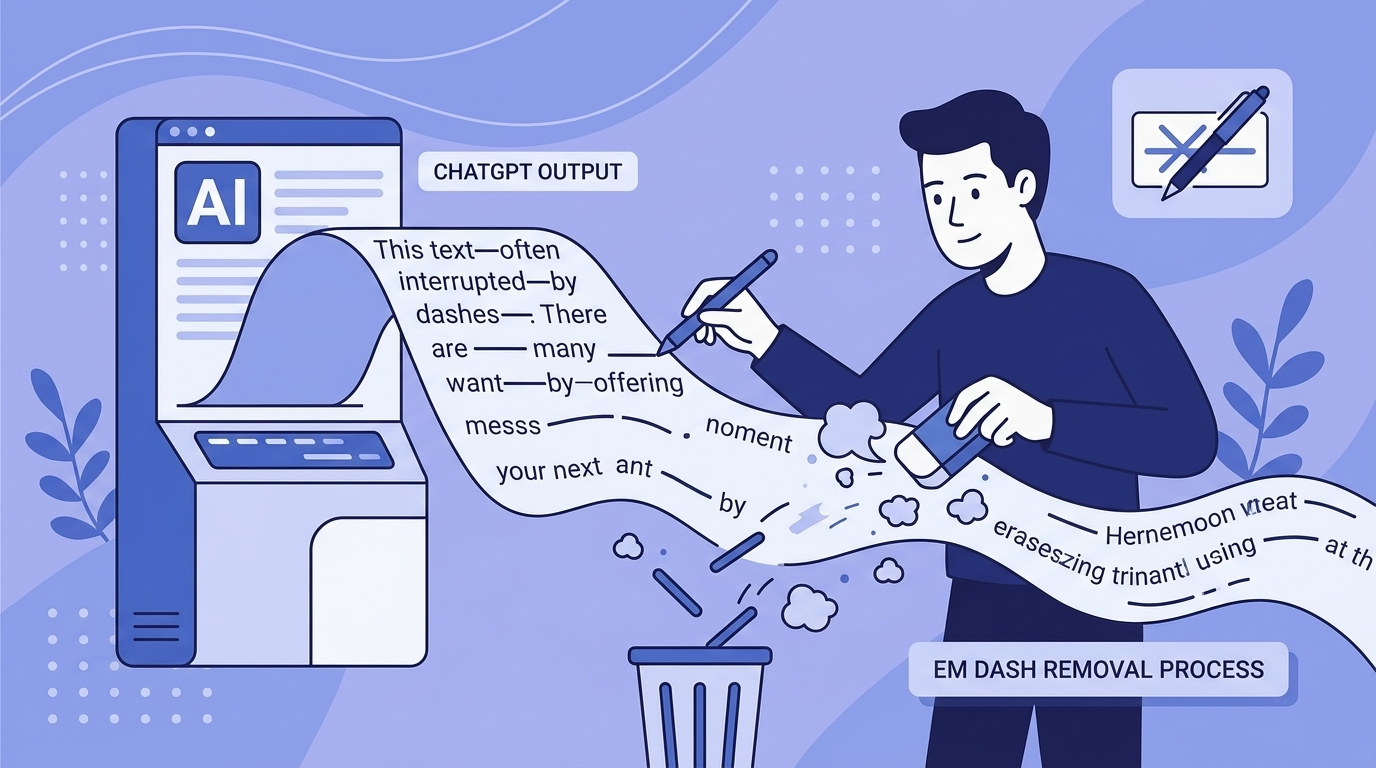
Em Dashes and ChatGPT: Why the Model Loves Them and How to Remove Them
ChatGPT overuses em dashes, a telltale AI signal. Why it happens, prompt-level fixes, and how to clean text that's already generated.
Does ChatGPT Watermark Text? What We Actually Know in 2026
Does ChatGPT watermark text? Here's what we actually know about invisible characters in AI output, what OpenAI has said, and what it means for detection.

Where to Check AI Writing: The Best Tools and Methods for 2026
Discover the best tools and methods to check AI-generated writing in 2026, from pattern-based detectors like GPTZero to invisible watermark scanners.

How to Use AI for Your Resume the Right Way (2026)
Learn the smart workflow for using AI to write resumes in 2026. Clean up invisible characters, optimize for ATS systems, and make your application authentically yours.

What AI Tools Are Best for Removing Watermarks from Images?
Compare the best AI watermark removal tools for 2026. Expert analysis of GPT Watermark Remover, WatermarkRemover.io, Dewatermark, Monica AI, and AniEraser with features, pricing, and privacy considerations.
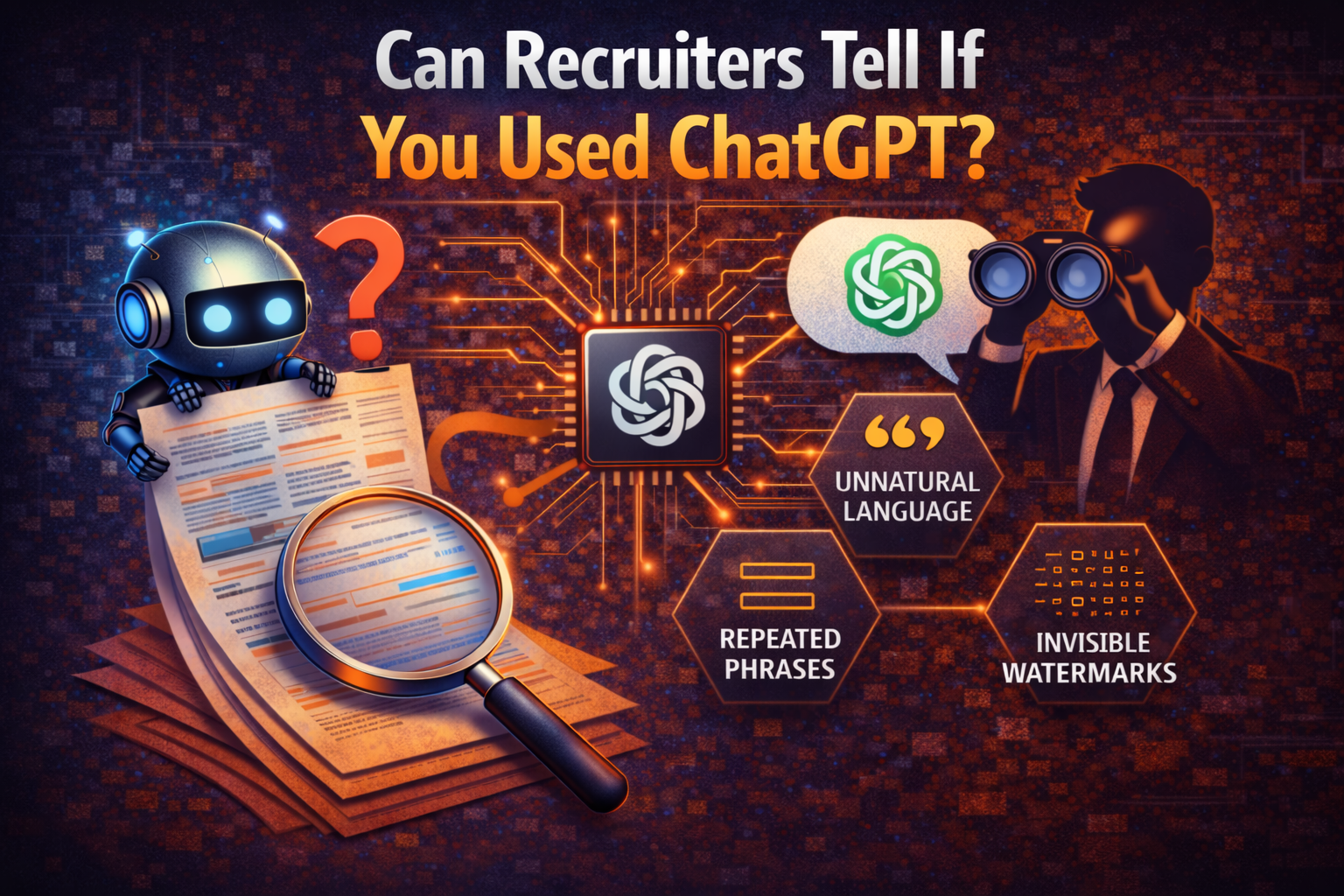
Can Recruiters Tell If You Used ChatGPT? What Job Seekers Need to Know in 2026
Learn how recruiters detect ChatGPT-written resumes and cover letters. Understand detection methods, hidden invisible characters, and how to use AI tools responsibly in job applications.
Missing Something? Have Ideas for Improvement?
We're constantly improving this tool and your ideas help us make it even better. Tell us what features you'd love to see!
Request a Feature
Have an idea for a new feature? Want to suggest an improvement? We listen and implement the best ideas!