Remove AI Watermarksfrom ChatGPT Text
Free AI watermark remover. Detect and remove invisible characters like zero-width spaces from text pasted out of AI chat tools. No registration, no data stored.


Remove AI Watermarks
Professional AI text detection and cleaning
60-second cooldown between scans
Sign in for enhanced features
Clean Word Documents (.docx)
Remove AI watermarks from Word files while preserving all formatting
Drop your Word document here
or click to browse files
Only .docx files • Max 50MB
All processing happens locally in your browser. Your document never leaves your device.
Clean Apple Pages Documents (.pages)
Remove AI watermarks from Pages files while preserving all formatting
Drop your Pages document here
or click to browse files
Only .pages files • Max 50MB
All processing happens locally in your browser. Your document never leaves your device.
Fully Private
All processing happens in your browser
Preserves Formatting
Your document stays visually identical
Instant Processing
Cleaned in seconds
Remove Gemini Image Watermarks for free
Clean AI-generated images from Google Gemini. Remove the visible watermark and strip EXIF metadata including GPS location - 100% free and private. SynthID embedded in the image pixels is not affected.
Why Remove AI Watermarks?
Here's why you should remove invisible AI watermarks:
With Watermarks
Formatting
Invisible characters can break spacing, line wrapping, and alignment in Word, Google Docs, and PDFs
Code & data
Zero-width characters corrupt code, JSON, and find/search functions
Copy & paste
Hidden markers silently transfer between apps and documents
Privacy
Invisible characters mean what you paste isn't exactly what you copied
After Removal
Formatting
Clean, predictable spacing and layout wherever you paste
Code & data
Text behaves correctly in editors, terminals, and search
Copy & paste
What you copy is exactly what you get, with nothing hidden
Privacy
What you share should be exactly the characters you see. Cleaned text contains nothing you can't see.
Specialized Solutions for Every AI Model
Tailored guides and tools for ChatGPT, Gemini, Claude, and more.
ChatGPT Watermarks
What invisible characters appear in ChatGPT text and how to remove them.
Gemini Watermarks
What's really in Gemini text (including SynthID) and what this tool can clean.
Claude Watermarks
How Claude's watermarking actually works, what this tool can and cannot remove, and how to clean invisible characters from Claude output.
For Students
Remove invisible characters that corrupt essay formatting, break citations, and cause copy-paste glitches in Word and Google Docs, plus guidance on using AI in line with your institution's policy.
Latest Articles
Explore our latest guides on AI watermark detection, removal, and privacy.
Does Claude Watermark Its Text? Anthropic's Invisible Watermark, Explained
Claude now embeds an invisible watermark in generated text. Here's what Anthropic has confirmed, what a detected mark actually proves, and what weakens it.
Read more: Does Claude Watermark Its Text...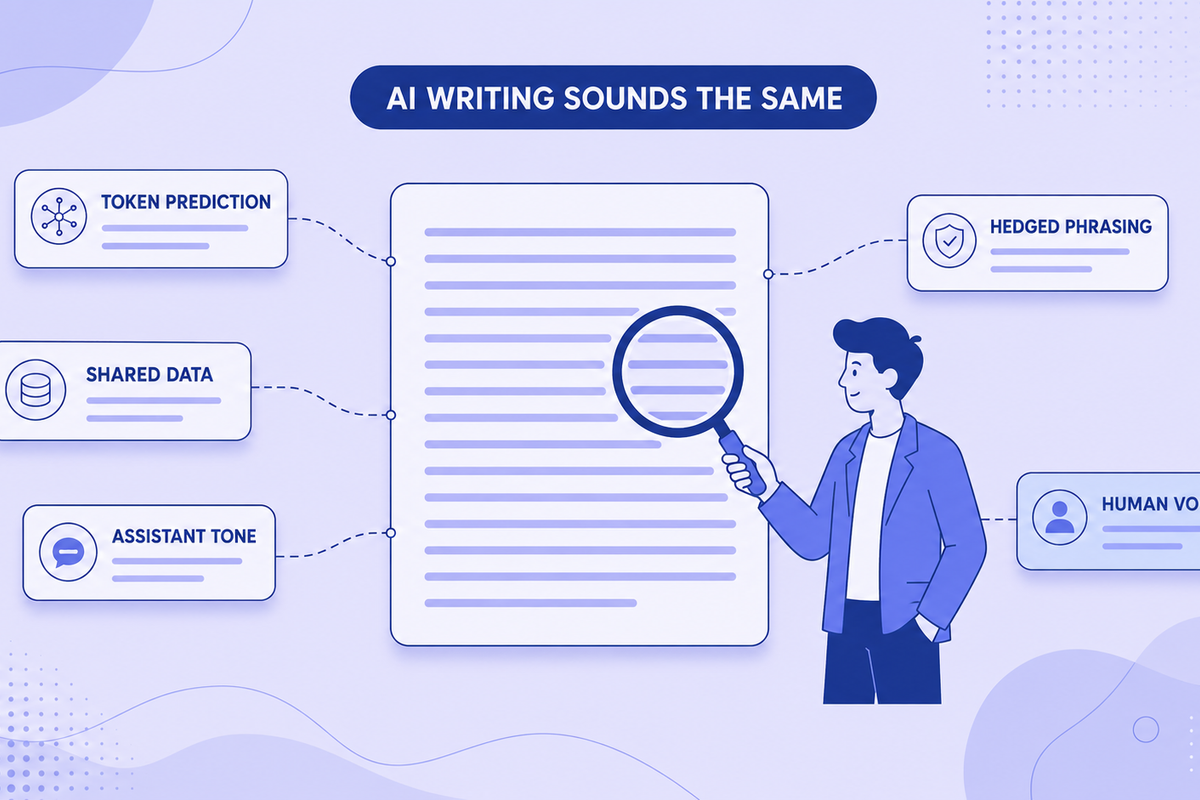
Why All AI Writing Sounds the Same (+ How to Fix It)
AI writing sounds identical due to token prediction and training overlap. Learn the technical causes plus practical fixes for style and watermarks.
Read more: Why All AI Writing Sounds the ...
Can Employers Tell If You Used AI? Spotting AI-Generated Text in Job Applications (2026)
Can recruiters detect an AI-written cover letter? What employers actually check in 2026, why AI detectors get it wrong, and why sounding like yourself matters more than hidden characters.
Read more: Can Employers Tell If You Used...
Em Dashes and ChatGPT: Why the Model Loves Them and How to Remove Them
ChatGPT overuses em dashes, a telltale AI signal. Why it happens, prompt-level fixes, and how to clean text that's already generated.
Read more: Em Dashes and ChatGPT: Why the...
Common AI Words to Avoid: The Complete List (Plus Why Your Text Gets Flagged)
50+ common AI words that flag your text as machine-written, with better alternatives. Plus what invisible Unicode characters are and the formatting problems they cause.
Read more: Common AI Words to Avoid: The ...
Does ChatGPT Watermark Text? What We Actually Know in 2026
Does ChatGPT watermark text? Here's what we actually know about invisible characters in AI output, what OpenAI has said, and what it means for detection.
Read more: Does ChatGPT Watermark Text? W...Knowledge Center
Explore technical explanations of AI watermarking, detection methods, and removal techniques. Each article covers mechanisms, applications, and limitations.
What Are AI Watermarks? (Text Watermarks Explained)
AI watermarks are invisible markers embedded into text generated by large language models (LLMs). Their purpose is to help identify whether a piece...
Read article: What Are AI Watermarks? (...Watermark Removal vs AI Detection: What's the Difference?
AI watermark removal and AI content detection are two separate processes that address different parts of how large language models (LLMs) generate ...
Read article: Watermark Removal vs AI D...Token Distribution in AI Watermarking: Why It Matters for Detection
Token distribution in AI watermarking refers to the intentional manipulation of token probability patterns within LLM-generated text to embed a hid...
Read article: Token Distribution in AI ...Why AI Detectors Fail: False Positives, False Negatives, and Model Bias
AI detectors attempt to estimate whether a piece of text was generated by a large language model (LLM). They rely on statistical patterns, token en...
Read article: Why AI Detectors Fail: Fa...Missing Something? Have Ideas for Improvement?
We're constantly improving this tool and your ideas help us make it even better. Tell us what features you'd love to see!
Request a Feature
Have an idea for a new feature? Want to suggest an improvement? We listen and implement the best ideas!
Frequently Asked Questions
Find answers to the most common questions about our AI watermark remover.
AI watermarks are invisible characters, like zero-width spaces, that some AI tools insert into generated text. They don't affect readability, and their presence or absence has no bearing on whether AI-detection tools flag the text.
Our tool scans your text for invisible characters commonly used as AI watermarks, such as zero-width spaces and ASCII control characters. It then highlights these markers and can remove them completely while preserving your original content.
No. All text processing happens directly in your browser. We don't store, log, or transmit your text anywhere. Your privacy is our priority.
We detect various invisible characters including zero-width spaces, zero-width joiners, soft hyphens, word joiners, and ASCII control characters that AI tools might use as watermarks.
No. The tool only removes invisible characters used as watermarks. Your visible text, formatting, and meaning remain exactly the same.
Yes, the free version currently has a 500-character limit per operation. Signed-in users get 1,500 characters. This helps ensure fast processing and optimal performance.
Yes! You can upload Word (.docx) documents directly to our tool. We'll scan and remove invisible watermark characters from all sections including main content, headers, footers, footnotes, and comments—all while preserving your document's formatting and layout. Processing happens entirely in your browser, so your documents remain private.
Yes! You can upload Apple Pages (.pages) documents directly to our tool. We support both modern and legacy Pages formats. We'll scan and remove invisible watermark characters from your entire document while preserving all formatting, styles, and layout. All processing happens locally in your browser, ensuring your documents stay completely private.
Your documents are 100% secure and never leave your device. All document processing happens entirely in your browser using JavaScript. When you upload a Word or Pages document, it's read and modified locally on your computer—we never send your files to any server. This means your sensitive documents, personal information, and private content remain completely confidential. Even we can't see what you're processing. This client-side approach ensures maximum privacy and security for your documents.
If you clean a document using our document uploader and then copy-paste the text into the text detection area, you might see watermarks detected. This is normal and doesn't mean the cleaning failed. Here's why: Document cleaning preserves all formatting (bold, italics, spacing, etc.) to keep your document looking identical. When you copy this formatted text, some harmless formatting characters (like special spaces or unicode formatting marks) come along. Our text detection tool, which is designed to be more aggressive, might flag these formatting characters as potential watermarks. The document itself is clean—these are just formatting artifacts from the copy-paste process, not actual AI watermarks. For best results, use the cleaned document directly rather than copy-pasting its content.
Zero-width characters are invisible Unicode characters that take up no visual space but exist in the text data. Some AI systems, including ChatGPT, insert these into generated text as a byproduct of how the content was produced. Common types include zero-width spaces (U+200B), zero-width joiners (U+200D), and zero-width non-joiners (U+200C). Our tool detects and removes these invisible markers.
Our tool is free, processes text locally in your browser for privacy, and works on text from any source, because it operates on characters rather than on the model. Unlike other tools, we never store your text, offer document cleaning for Word and Pages files, and give signed-in users a 1,500-character limit, unlimited with Premium.
Yes! Simply copy text from ChatGPT, Claude, Gemini, or any AI chat and paste it directly into our tool. Our invisible character detector highlights any hidden characters, and you can clean the text with one click. This clean paste workflow is designed to be fast and seamless.
Paste your text into our detector tool. We'll scan for dozens of invisible Unicode characters, including zero-width spaces, zero-width joiners and other zero-width and control characters. Detected watermarks are highlighted so you can see exactly where they are in your text.
More Questions?
Try our tool and discover for yourself how easy it is!