Remove Gemini Image WatermarksClean AI Photos in Seconds
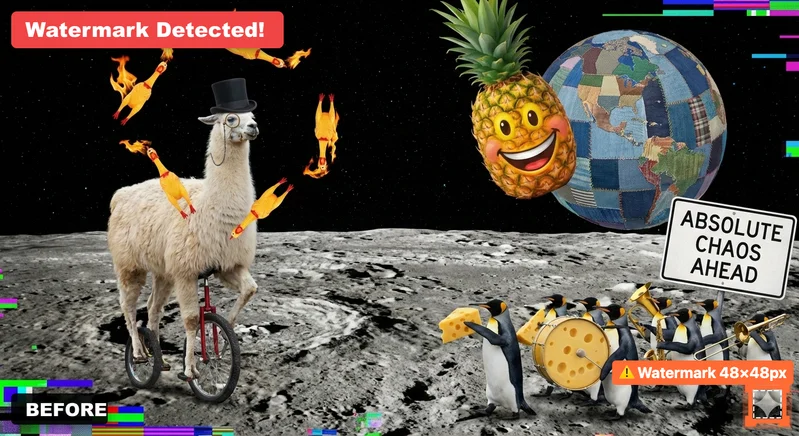
Free tool to detect and preview removal of visible watermarks from Google Gemini AI-generated images, and strip EXIF metadata including GPS location. Downloading the cleaned image requires Premium. 100% private - all processing happens in your browser.



Clean Gemini Images
Remove watermarks and strip metadata
Drop your image here
or click to browse files
All processing happens locally in your browser. Your image never leaves your device.
Did You Know?
Gemini uses multiple visible-watermark layouts; this tool automatically detects current and legacy positions
Removing the visible corner watermark does not remove invisible SynthID signals
Image metadata may contain location, device, software, and capture-time information
The detector checks current and legacy layouts and leaves image pixels unchanged when confidence is too low
How It Works
Upload Your Image
Drag & drop or click to select any Gemini-generated image (JPEG, PNG, WebP)
Preview & Analyze
See exactly where the watermark is located and what metadata will be stripped
Download Clean Image
Watermark removal and metadata stripping are free. Downloading the cleaned image requires Premium.
Understanding Gemini Image Watermarks
What you need to know about visible and invisible AI watermarks
Visible Watermark
- 48×48 or 96×96 pixels
- Bottom-right corner
- ✓ Can be removed
SynthID (Invisible)
- Embedded in pixels
- Survives screenshots & editing
- ✗ Cannot be removed
Frequently Asked Questions
Everything you need to know about Gemini image watermarks
Clean Word Documents (.docx)
Remove AI watermarks from Word files while preserving all formatting
Drop your Word document here
or click to browse files
Only .docx files • Max 50MB
All processing happens locally in your browser. Your document never leaves your device.
Clean Apple Pages Documents (.pages)
Remove AI watermarks from Pages files while preserving all formatting
Drop your Pages document here
or click to browse files
Only .pages files • Max 50MB
All processing happens locally in your browser. Your document never leaves your device.
Fully Private
All processing happens in your browser
Preserves Formatting
Your document stays visually identical
Instant Processing
Cleaned in seconds
Why Remove AI Watermarks?
Here's why you should remove invisible AI watermarks:
With Watermarks
Formatting
Invisible characters can break spacing, line wrapping, and alignment in Word, Google Docs, and PDFs
Code & data
Zero-width characters corrupt code, JSON, and find/search functions
Copy & paste
Hidden markers silently transfer between apps and documents
Privacy
Invisible characters mean what you paste isn't exactly what you copied
After Removal
Formatting
Clean, predictable spacing and layout wherever you paste
Code & data
Text behaves correctly in editors, terminals, and search
Copy & paste
What you copy is exactly what you get, with nothing hidden
Privacy
What you share should be exactly the characters you see. Cleaned text contains nothing you can't see.
Learn More
Related Articles

How to Remove AI Watermarks from Gemini Images: Complete Guide for 2026
Learn how to remove visible AI watermarks from Google Gemini images using our free browser-based tool. Understand the difference between visible watermarks and SynthID.
Read more: How to Remove AI Watermar...
AI Text Watermarks Explained: What They Are and How to Remove Them
Everything you need to know about AI text watermarks: how they work, why they exist, detection methods, and complete removal solutions. Expert guide for 2025.
Read more: AI Text Watermarks Explai...Missing Something? Have Ideas for Improvement?
We're constantly improving this tool and your ideas help us make it even better. Tell us what features you'd love to see!
Request a Feature
Have an idea for a new feature? Want to suggest an improvement? We listen and implement the best ideas!