Where to Check AI Writing: The Best Tools and Methods for 2026
Discover the best tools and methods to check AI-generated writing in 2026, from pattern-based detectors like GPTZero to invisible watermark scanners.
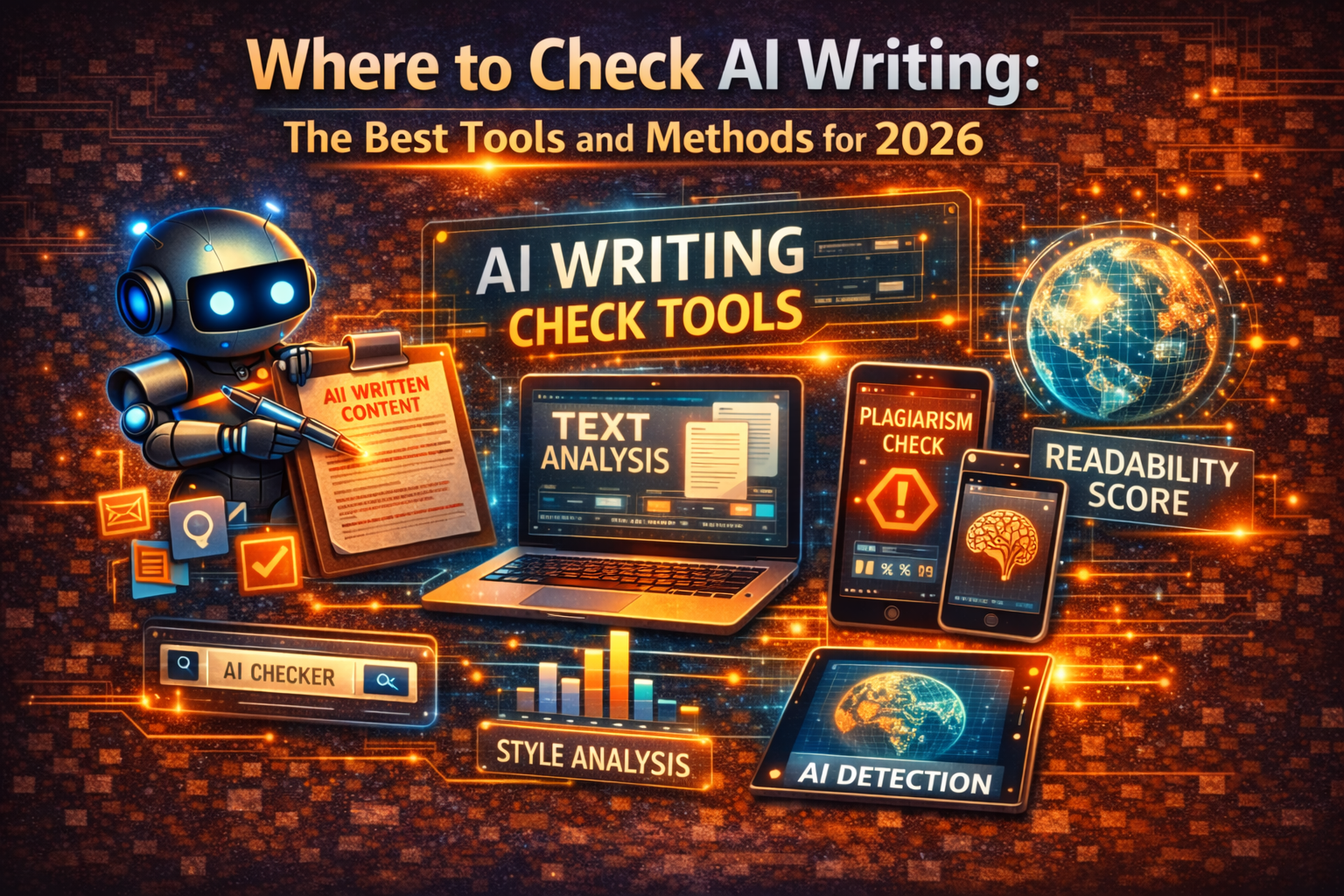
Whether you are an editor reviewing submissions, a hiring manager screening cover letters, or a student double-checking your own work before handing it in, knowing where to check AI writing has become an essential skill. The tools available in 2026 are more capable than ever, but they also come with quirks and blind spots that are worth understanding before you trust any single result.
This guide covers the two main ways to check AI-generated text: pattern-based AI content detectors and invisible watermark scanners. Most articles only talk about the first category. We will cover both, because a thorough check requires looking at the full picture.
How AI Writing Detection Actually Works
AI content detectors analyse text for statistical patterns that tend to show up in machine-generated writing. They look at two core signals.
Perplexity measures how predictable the text is. AI models tend to produce sentences where each word follows logically from the last, creating smooth, low-surprise sequences. Human writing is messier and more varied, which translates to higher perplexity scores.
Burstiness tracks variation in sentence length and complexity. Humans naturally mix short, punchy sentences with longer, more complex ones. AI tends to produce more uniform output, with sentences that stay in a similar range of length and structure.
These are useful signals, but they are not perfect. If you have ever had your own writing flagged as AI-generated, you know how frustrating false positives can be. For a deeper look at how these systems work and where they fall short, our complete guide to AI content detection goes into much more detail.
The Best AI Writing Checkers in 2026
Here are the most reliable tools available right now, each with a different approach and set of strengths.
GPTZero
GPTZero remains one of the most popular free options for checking AI writing. You can paste text directly or upload PDFs, Word documents, and TXT files. What makes it stand out is its highlighting feature, which marks specific sentences that have a high probability of being AI-generated rather than giving you a single overall score. It also reports perplexity and burstiness scores, which gives you a window into why the tool reached its conclusion.
Copyleaks
A Cornell University study identified Copyleaks as one of the most accurate AI detection platforms currently available. It supports content generated by ChatGPT, Gemini, and Claude, and offers both AI detection and traditional plagiarism checking in one place. The free version handles basic checks, while paid plans (starting at $10.99/month) add multi-language support and batch processing. If you need a single tool that handles both plagiarism and AI detection, Copyleaks is a strong choice.
Originality.ai
Built specifically for SEO professionals and content marketers, Originality.ai claims 99% detection accuracy and can scan entire websites rather than just individual documents. Its most useful feature is paraphrased plagiarism detection, which catches content that has been reworded from existing sources rather than copied directly. There is no free tier because of the processing power required, but the base plan starts at $14.95/month.
Manual Detection (No Tool Required)
You do not always need software. There are patterns you can spot yourself if you know what to look for. AI-generated text often contains outdated or subtly incorrect facts, since models work from training data with a knowledge cutoff. It tends to lack personal anecdotes, real opinions, and the kind of specific detail that comes from lived experience. And it frequently overuses transitional phrases like "furthermore," "in conclusion," and "it is worth noting that." If a piece of writing feels polished but strangely empty, that instinct is often correct.
The Layer Most People Miss: Invisible AI Watermarks
Here is something that most guides about checking AI writing skip entirely, and that pattern-based detectors like GPTZero, Copyleaks, and Originality.ai cannot detect at all. AI platforms do not just produce text that has detectable patterns. Many of them also embed invisible markers directly into their output.
These markers are Unicode characters that take up zero visual space. You cannot see them when you read the text, but they are embedded in the character data. Common types include zero-width spaces (U+200B), zero-width joiners (U+200D), and soft hyphens (U+00AD). AI systems like ChatGPT insert these characters as a form of digital fingerprint.
This matters for two reasons. First, these invisible characters can trigger AI detection tools independently of writing style analysis. Your text might read perfectly naturally, but if it carries hidden watermarks, detectors can still flag it. Second, these markers transfer when you copy and paste text between applications, which means they follow your content into Google Docs, WordPress, email clients, and anywhere else you move it.
You can learn more about the technical details in our article on how invisible ChatGPT watermarks work.
How to Check for Invisible Watermarks
The GPT Watermark Remover tool is the only way to check for these hidden characters. It scans text and highlights exactly where watermarks appear, giving you definitive evidence of AI involvement that pattern-based detectors would miss entirely. It supports text from ChatGPT, Claude, Gemini, and other major AI models, and all processing happens locally in your browser, so your text is never stored or transmitted to external servers. You can also upload Word documents directly and clean them while preserving all formatting.
This fills a critical blind spot. Pattern-based detectors analyse how the writing reads and make probabilistic guesses. Watermark scanners look at what is actually hidden inside the text data, providing concrete evidence rather than statistical estimates. For a thorough review, using both approaches together gives you the most complete picture. Our knowledge base article on watermark removal vs. AI detection explains the distinction in detail.
A Practical Workflow for Checking AI Writing
Rather than relying on a single tool, a layered approach gives you the most confidence in your results.
Start by scanning for invisible watermarks. Paste the text into GPT Watermark Remover to check for hidden Unicode characters. This takes seconds and gives you the most definitive answer: if the tool finds zero-width spaces or other markers, you know the text passed through an AI system, full stop. No ambiguity, no false positives from writing style.
Do a manual read. Look for the telltale signs: generic phrasing, a lack of personal voice, and facts that feel vague or unverifiable. Trust your instincts as a reader.
Run a pattern-based detector if needed. If no watermarks were found and you still have doubts, use GPTZero, Copyleaks, or Originality.ai to get a statistical analysis. Remember that no pattern detector is 100% accurate, so treat the result as one data point rather than a definitive answer.
Cross-reference with a second detector for high-stakes decisions. Different tools use different models and training data, so running text through two detectors reduces the risk of false positives or false negatives.
Why No Single Tool Is Enough
AI detection technology is improving, but it is still an imperfect science. Research published in Nature has shown that while approaches like Google's SynthID watermarking can work at scale without degrading text quality, determined individuals can still find ways around detection. The arms race between AI generation and AI detection is ongoing, and no single method covers every angle.
That is exactly why understanding both dimensions of AI writing checks, pattern analysis and watermark detection, puts you ahead. Most people only know about the first. Now you know about both.
If you are working with AI-assisted content regularly, building the habit of checking both layers will save you from surprises down the line, whether you are publishing blog posts, submitting academic work, or reviewing applications.
Ready to Remove AI Watermarks?
Try our free AI watermark removal tool. Detect and clean invisible characters from your text and documents in seconds.
Try GPT Watermark RemoverRecommended Articles
How to Check If a Text Has a ChatGPT Watermark (Complete Guide 2025)
Learn 7 proven methods to check if text has ChatGPT watermarks. From instant online tools to advanced detection techniques—identify invisible AI markers in any content.

How to Use AI for Your Resume the Right Way (2026)
Learn the smart workflow for using AI to write resumes in 2026. Clean up invisible characters, optimize for ATS systems, and make your application authentically yours.
Learn More About Us
Discover our mission to help users maintain privacy and control over AI-generated content. Learn about our technology and commitment to transparency.