Em Dashes and ChatGPT: Why the Model Loves Them and How to Remove Them
ChatGPT overuses em dashes, a telltale AI signal. Why it happens, prompt-level fixes, and how to clean text that's already generated.
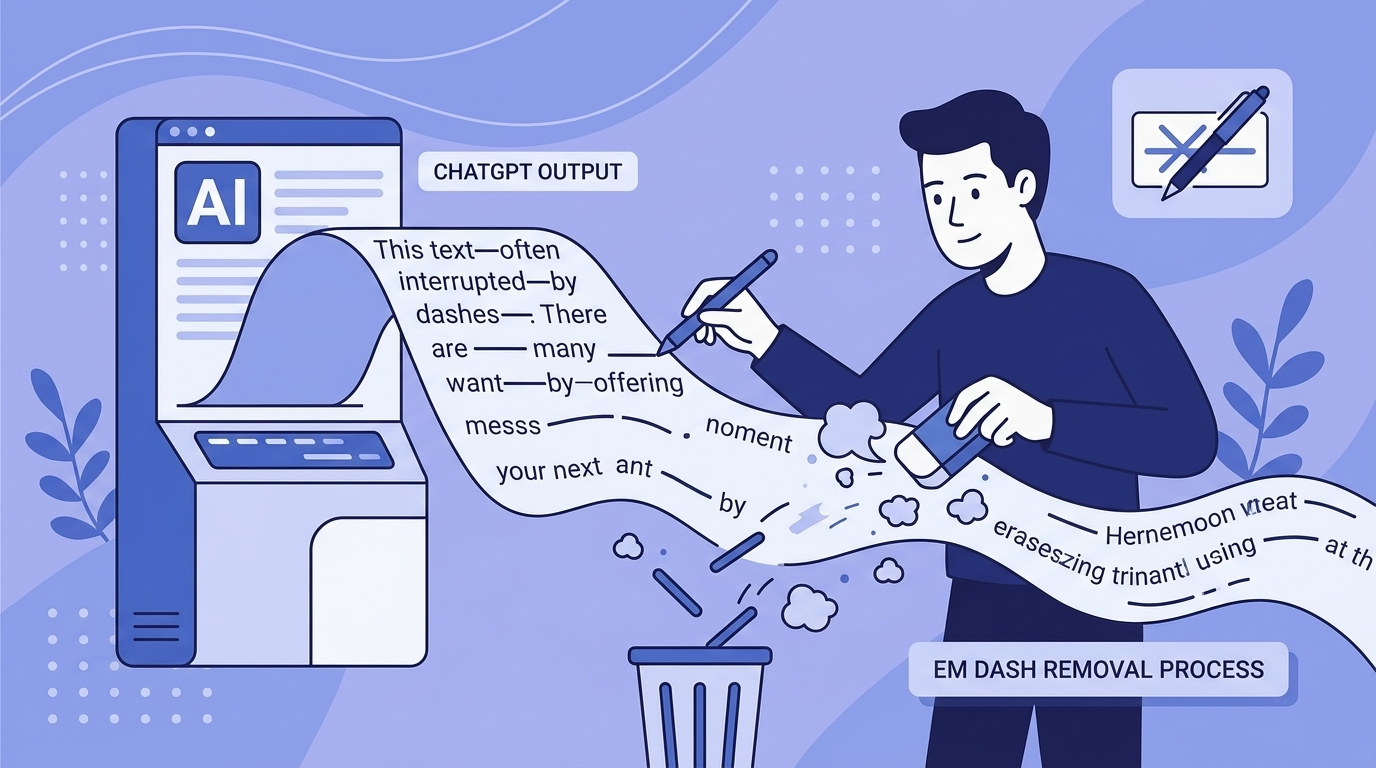
The short answer: ChatGPT defaults to the em dash as a mid-sentence connector because its training data weighted edited prose (literary fiction, journalism, essays) heavily, and that material is full of em dashes. The model learned to associate the character with "good writing" and now fires it at roughly three to four times the density a human editor would. The fastest fixes are prompt-level instructions ("Do not use em dashes. Replace them with commas, colons, or separate sentences."), custom-GPT settings, and find-and-replace on already-generated text. Em dash removal is a readability and style cleanup. Separately, AI-generated text can carry invisible Unicode characters that survive editing; removing those fixes formatting, code, and privacy problems but is a different job from style editing, and neither changes how an AI-writing detector scores your prose.
Why Does ChatGPT Use Em Dashes So Much?
ChatGPT overuses em dashes because the model associates the character with high-quality, authoritative writing. During training, em dashes appeared frequently in the kind of long-form text that was weighted as "good" — edited books, quality journalism, essays by skilled writers. The model learned to reproduce that stylistic marker without understanding that moderation is the point.
Large language models generate text by predicting the most statistically likely next token given all the preceding tokens. When a sentence reaches a natural inflection point, a place where a skilled human writer might pause, clarify, or add an aside, the model's training data gives a strong signal that an em dash is an appropriate choice. The model then fires that token with high probability, producing outputs where em dashes cluster far more densely than they would in human writing.
This is a well-documented pattern among people who use ChatGPT regularly. The "em dashes chatgpt reddit" search cluster has its own following, full of writers noting that the em dash has become so associated with AI output that they now feel self-conscious using the character in their own work. That shift in reader perception is a real-world consequence of the model's statistical bias.
Are Em Dashes a Sign of ChatGPT?
Em dashes alone are not proof of AI authorship, but their density and placement pattern can be a reliable signal. A single em dash per paragraph is unremarkable in human writing. Three or four em dashes across six sentences, all used in structurally similar positions, is a pattern that human editors and AI detection tools both flag.
Human writers tend to use em dashes for specific rhetorical purposes: to introduce a dramatic pause, to interrupt a sentence mid-thought, or to set off a parenthetical that feels too strong for round brackets. ChatGPT uses em dashes as a general-purpose connector, often where a comma, colon, or simple full stop would be cleaner. The overuse is most visible in list-adjacent constructions, where the model writes a lead-in phrase followed by an em dash and then the explanation.
AI-writing detectors from Turnitin and others score the visible prose using stylometric signals, and heavy em dash usage is one data point those models weigh. A text does not get flagged purely because of em dashes, but the character contributes to the broader statistical fingerprint that classifiers measure in your word choice and sentence rhythm. You can read more about how these classifiers actually work in our guide to how AI detection tools work.
The Difference Between Em Dashes and the Invisible Character Problem
Em dashes are visible and editable. Invisible Unicode characters are a separate, more serious issue that often travels alongside visible stylistic problems in AI-generated text.
When ChatGPT, Claude, or Gemini generate text, the output can contain zero-width spaces (U+200B), zero-width joiners (U+200D), and other ASCII control characters that are completely invisible in standard text editors. These characters survive copy-paste operations, appear clean in Word and Google Docs, and then cause problems when the text is processed by an ATS, pasted into code, or run through a system that does strict encoding checks. A document can look perfectly edited and still carry dozens of invisible markers.
This is distinct from the em dash problem, but the two often co-occur: a writer cleans up the visible AI-isms, replaces em dashes, removes filler phrases, rewrites flat sentences, and then submits text that still contains invisible Unicode characters. Those invisible characters are what our tool is specifically built to detect and remove, using client-side processing so your text never leaves your device. To be clear, removing them is about formatting and document hygiene, not about changing what an AI-writing detector reports, which depends on the visible text.
How to Stop ChatGPT From Using Em Dashes
The most reliable way to stop ChatGPT from using em dashes is to include an explicit instruction in your system prompt or at the start of your user message. ChatGPT follows style constraints well when they are stated directly.
Prompt-Level Instructions That Work
The following instructions, added to any prompt, significantly reduce em dash frequency in ChatGPT output:
- Do not use em dashes. Replace them with commas, colons, or separate sentences.
- Write in plain prose. Avoid em dashes, bullet points, and excessive parentheticals.
- Use only standard punctuation: full stops, commas, colons, and semicolons. No em dashes.
- Write in a conversational, direct style. No em dashes or dramatic pauses.
The key is specificity. Telling the model to "write naturally" does nothing. "Naturally" for a language model means defaulting to its trained preferences, which includes heavy em dash use. Telling it explicitly what punctuation to avoid, and offering the permitted alternatives, gives the model a clear constraint to work within.
Using a Custom GPT or System Prompt
If you use ChatGPT regularly for content work, the cleanest solution is a custom GPT or a saved system prompt that includes em dash restrictions by default. Custom GPTs allow you to define a persistent persona with style rules baked in. Writers who produce high volumes of AI-assisted content and then edit to client voice find this approach more reliable than adding instructions to individual prompts, because individual prompts can drift over long conversations.
On ChatGPT's web interface, you can set custom instructions under your account settings. Adding "never use em dashes" to your permanent custom instructions applies the rule across all new conversations without you having to remember to include it each time.
Find-and-Replace as a Post-Generation Fix
For text that has already been generated, a find-and-replace pass is the fastest manual fix. In Microsoft Word, Google Docs, and most text editors, you can search for the em dash character (—) and replace it with whatever punctuation fits the surrounding sentence.
The replacement depends on context:
- If the em dash introduces a clause that elaborates on the preceding one, a colon often works better.
- If the em dash sits between two independent ideas, consider splitting the sentence at the dash and writing two separate sentences.
- If the em dash sets off a parenthetical, round brackets or a comma pair are the cleaner choice.
Mechanical replacement produces awkward sentences if you do it without reading. Treat find-and-replace as a first pass that flags every instance, then review each one manually before accepting the change.
How to Get ChatGPT to Stop Using Em Dashes Mid-Conversation
If you are already inside a conversation and ChatGPT keeps reverting to em dashes despite earlier instructions, the issue is context window drift. As a conversation grows longer, earlier instructions carry proportionally less weight relative to the model's trained defaults.
The practical fix is to restate the constraint explicitly when you notice the pattern returning. A short message like "Reminder: no em dashes in any of your responses. Replace them with commas or colons." is enough to reset the model's behaviour for the next several responses. For long drafting sessions, adding this reminder every few exchanges prevents the pattern from creeping back.
Some users on the "em dashes chatgpt reddit" discussions report that asking the model to review and revise its own output for em dashes after generation is more reliable than trying to prevent them during generation. Both approaches work. The post-generation review tends to catch more instances because the model reads the completed text rather than predicting token by token.
What ChatGPT Em Dashes Tell You About AI Stylistic Fingerprints
The em dash pattern is the most visible example of a broader phenomenon: AI models develop stylistic fingerprints that reflect the statistical properties of their training data rather than the intentions of any individual writer. Em dashes are just the most discussed example because they are visually distinctive and easy to count.
Other common ChatGPT stylistic patterns include the use of "moreover" and "furthermore" to open sentences, the tendency to write in three-point lists even when the content does not naturally divide into three parts, and the habit of opening paragraphs with a restatement of the question just asked. None of these are errors, strictly speaking. They are features of the model's learned prose style that become visible when you know what to look for.
Our guide on common AI words to avoid covers the full vocabulary-level equivalent of this problem: the words and phrases that appear so frequently in AI output that their presence raises detection probability even in otherwise well-edited text.
The Em Dash Problem Versus the Invisible Character Problem
Writers who clean up ChatGPT output often focus on visible style problems, em dashes, overused phrases, flat sentence structures, and consider the job done after a few editing passes. The invisible character problem operates at a different level and requires a different kind of fix.
Zero-width spaces and zero-width joiners can appear in AI-generated text. They are embedded at the Unicode level, invisible to the human eye, and survive most standard editing workflows intact. A document that reads perfectly after manual editing can still contain 20 or 30 invisible characters that break a code snippet, throw off a character count, or trip an encoding check.
For writers submitting work to ATS platforms, academic portals, or content management systems that run encoding checks, invisible Unicode characters cause real technical problems. You can read a detailed breakdown of this in our post on what AI text watermarks are.
GPT Watermark Remover detects 40+ types of invisible Unicode characters, including zero-width spaces, zero-width joiners, and ASCII control characters. The tool has processed 50,000+ text cleanings to date, and all processing happens locally in your browser. Nothing is transmitted to a server. If you are cleaning up AI-generated content for formatting and document hygiene, running a Unicode character scan after your stylistic edits catches the invisible layer that find-and-replace cannot reach. It is a formatting fix, not a way to change an AI-writing detector's verdict.
Should You Avoid Em Dashes Entirely in Your Own Writing?
No. The problem is frequency and context, not the character itself. Em dashes are a legitimate punctuation mark with specific rhetorical uses. The issue is that ChatGPT uses them at a density and in structural positions that no careful human writer would reproduce naturally.
If you write your own content and use em dashes deliberately, once or twice per 500 words for specific effect, there is no stylistic reason to remove them. The signal that flags text as AI-generated is the pattern of overuse, not any single instance. A text with one well-placed em dash reads as human. A text with seven em dashes in 400 words reads as generated, regardless of what else has been edited.
The writers most affected by this problem are those who used em dashes frequently in their own pre-AI work and now feel that the character has been associated with AI output in readers' minds. That association is real, and it is a direct consequence of model training prioritising the character as a stylistic marker of quality. The practical response, for those writers, is either to continue using em dashes at human-normal frequency and accept that some readers will notice, or to shift temporarily to alternative constructions until the association fades.
A Note on What Em Dash Removal Actually Fixes
Removing em dashes from ChatGPT output improves surface readability and reduces one stylometric signal that AI-writing detectors weigh. Em dash removal alone does not change the underlying statistical character of the prose, which is what those tools actually score.
AI-writing detectors from Turnitin, GPTZero, and others analyse the visible writing: vocabulary distribution, sentence length variation, and paragraph structure. Fixing the em dash problem addresses one visible signal. The underlying statistical properties of the text, the token distribution patterns that made the model produce em dashes in the first place, remain present in the vocabulary choices, sentence rhythm, and structural habits of the output. Note that these detectors score the visible prose; they do not read invisible Unicode characters, so removing those has no effect on a detection result either way.
Two separate jobs are at play here. Stylistic editing (replacing em dashes, rewriting flat phrases, varying sentence structure) is what changes how the visible writing reads. Character-level cleaning (removing invisible Unicode characters) is a formatting and document-hygiene fix that keeps your text from breaking ATS parsers, code, and encoding checks. Our guide to humanising AI text covers the editing side, which is the only layer that affects how the prose itself reads.
Frequently Asked Questions
Why does ChatGPT use em dashes so much?
ChatGPT was trained on large volumes of edited text, journalism, books, long-form essays, where em dashes appeared frequently as a mark of sophisticated prose. The model learned to reproduce the character as a stylistic signal, resulting in output where em dashes appear far more densely than they would in typical human writing. The pattern is a statistical bias from training, not a deliberate design choice.
How do I stop ChatGPT from using em dashes?
Add an explicit instruction to your prompt: "Do not use em dashes. Replace them with commas, colons, or separate sentences." For ongoing use, add this rule to ChatGPT's custom instructions in your account settings so it applies to every new conversation automatically. Vague instructions like "write naturally" do not override the model's trained default.
Are em dashes a reliable sign that text was written by ChatGPT?
Em dash density is one signal among several, and a strong one when combined with other patterns. A single em dash in a paragraph is unremarkable. Three or four em dashes in six sentences, all used as general connectors, is a pattern that both human editors and AI detection tools recognise as characteristic of ChatGPT output. Em dashes alone cannot confirm AI authorship.
Does removing em dashes make AI text undetectable?
No. AI-writing detectors score the visible prose: vocabulary distribution, sentence rhythm, and paragraph structure. Removing em dashes addresses one visible stylometric signal but leaves the underlying statistical patterns intact, so it does not make text "undetectable." Removing invisible Unicode characters (zero-width spaces, zero-width joiners) has no effect on a detection result at all, because detectors do not read those characters. That cleanup is for formatting and document hygiene, not for evading detection.
What is the difference between em dash removal and invisible Unicode character removal?
Em dashes are visible punctuation marks you can find and replace manually. Invisible Unicode characters, zero-width spaces, zero-width joiners, ASCII control characters, are embedded in AI-generated text at the encoding level. They are invisible in standard editors, survive copy-paste, and require a dedicated scanner to detect. GPT Watermark Remover handles the invisible layer, which is a formatting and privacy fix; standard editing handles the visible style. Neither one changes what an AI-writing detector reports.
Can I use GPT Watermark Remover to clean up em dashes as well as invisible characters?
GPT Watermark Remover is specifically built to detect and remove invisible Unicode characters, zero-width spaces, zero-width joiners, and ASCII control characters, from AI-generated text. Em dashes are visible characters best handled through find-and-replace in your text editor or through prompt instructions. Running the tool after your manual edits catches the layer of the problem that visual editing cannot reach.
Ready to Remove AI Watermarks?
Try our free AI watermark removal tool. Detect and clean invisible characters from your text and documents in seconds.
Try GPT Watermark RemoverRecommended Articles

How to Check If a Text Has a ChatGPT Watermark (Complete Guide 2025)
Learn 7 proven methods to check if text has ChatGPT watermarks. From instant online tools to advanced detection techniques—identify invisible AI markers in any content.

How to Use AI for Your Resume the Right Way (2026)
Learn the smart workflow for using AI to write resumes in 2026. Clean up invisible characters, optimize for ATS systems, and make your application authentically yours.
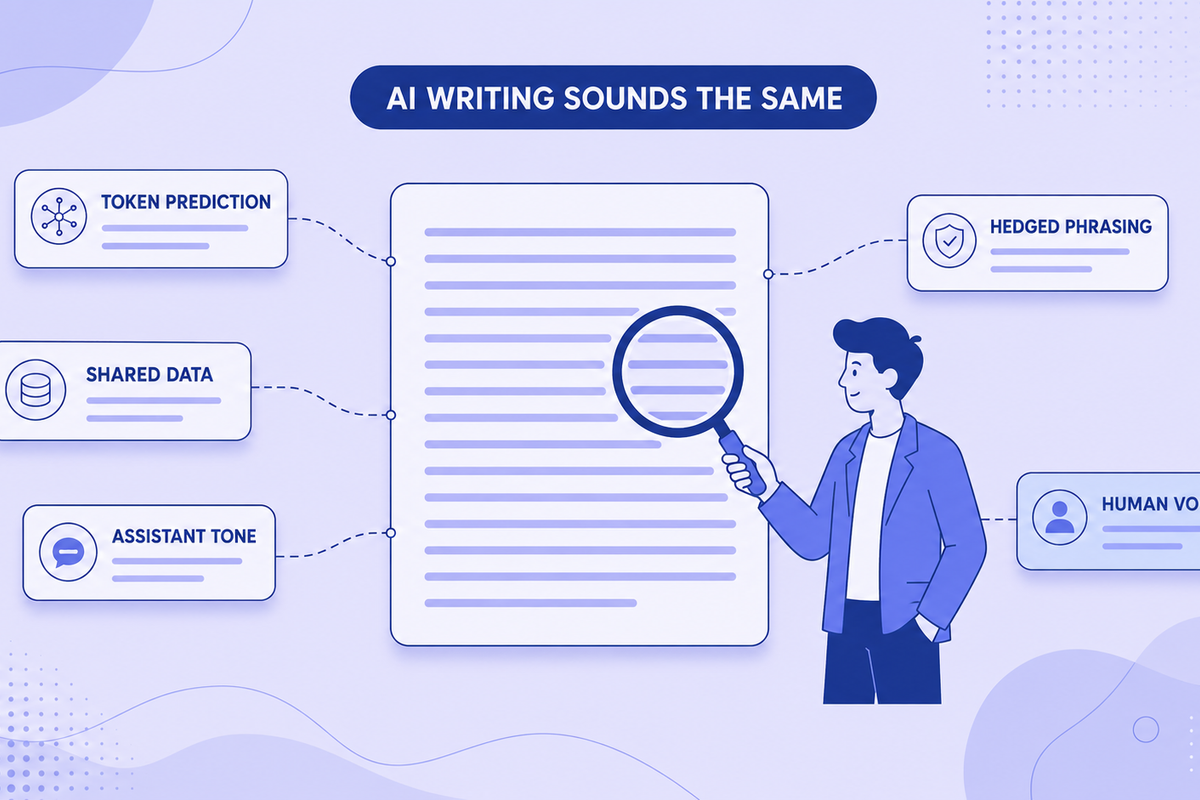
Why All AI Writing Sounds the Same (+ How to Fix It)
AI writing sounds identical due to token prediction and training overlap. Learn the technical causes plus practical fixes for style and watermarks.