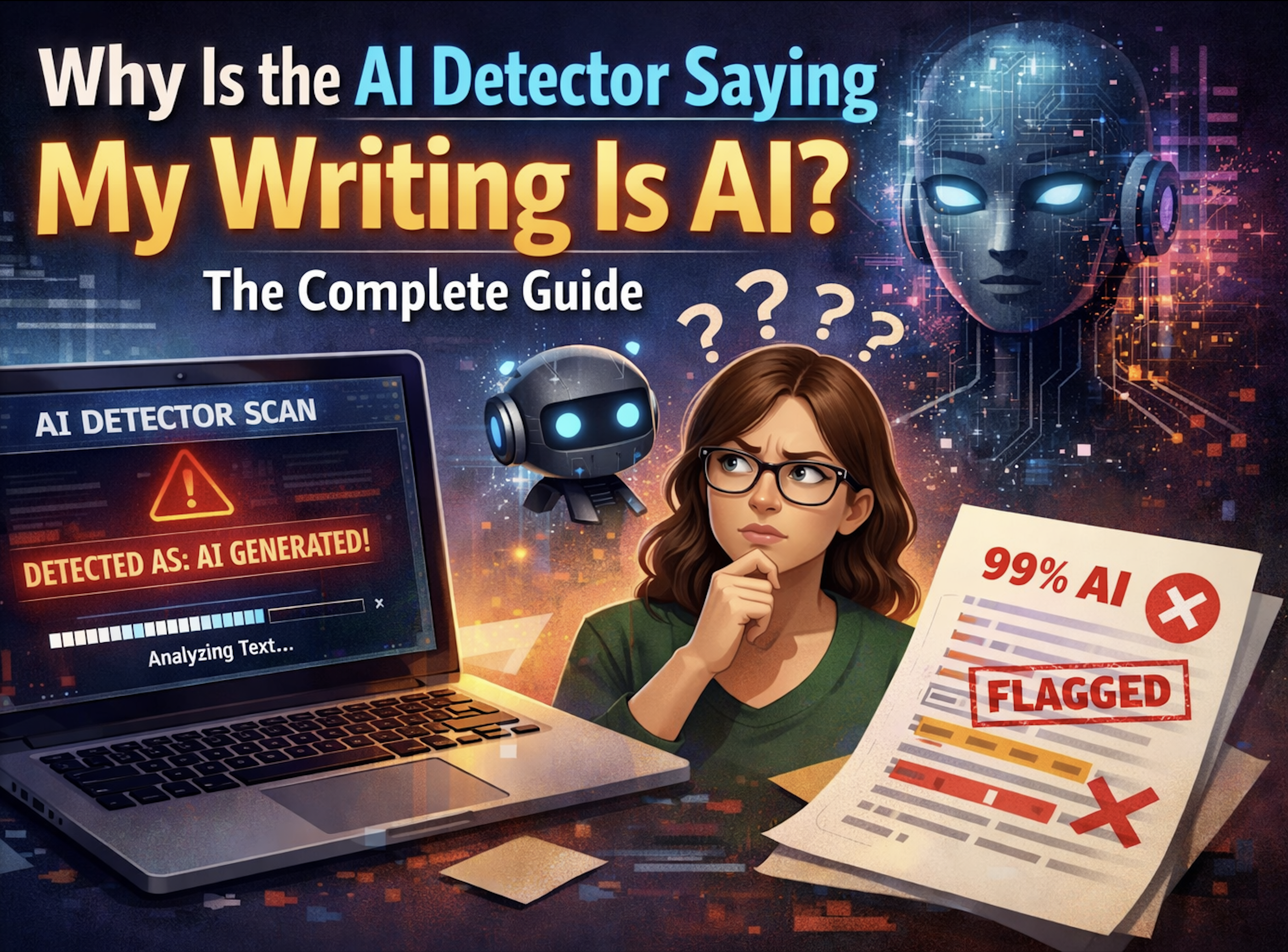
Why Is the AI Detector Saying My Writing Is AI? The Complete Guide
Discover why AI detectors flag your human-written text as AI-generated. Learn how detectors really work, the writing patterns that trigger false positives, and practical fixes.
Contents
- Why AI Detectors Flag Human Writing
- The Real Reason: Your Writing Style Matches AI Patterns
- What About Invisible Watermarks?
- How AI Detectors Actually Work
- 5 Ways to Fix AI Detection False Positives
- What If You Actually Used AI?
- Conclusion
Introduction
You've just finished writing something you're genuinely proud of. Maybe it's an essay, a blog post, or content for a client. Out of curiosity (or paranoia), you run it through an AI detector, and your stomach drops. The tool flags your original, human-written work as AI-generated.
If you've found yourself asking "why is the AI detector saying my writing is AI?", you're not alone. This frustrating experience has become increasingly common, affecting students, professional writers, and content creators alike. The good news? There are concrete reasons why this happens and practical solutions to fix it.
Why AI Detectors Flag Human Writing
Most articles on this topic give you a vague answer: your writing might be "too polished" or "too predictable." That's directionally true, but it helps to be precise about what these tools actually look at.
AI-writing detectors flag your work for one reason: the visible writing itself, the words you chose and the rhythm of your sentences, lines up statistically with how AI models tend to write. They don't read your mind, and they don't check for hidden markers (more on that myth below). Understanding what they really measure is the only way to actually fix a false positive.
The Real Reason: Your Writing Style Matches AI Patterns
AI detectors analyse text using probabilistic language models. They look for statistical patterns in your writing that resemble how large language models (LLMs) like ChatGPT generate content.
Ironically, the characteristics of good writing often overlap with how AI writes. If your content is well-structured, grammatically correct, and flows logically, detection tools might mistake it for AI-generated text.
Here are the specific patterns that trigger false positives:
Predictable sentence structure. AI tends to write in a consistent, rhythmic way. If you naturally write with similar sentence lengths and structures throughout a piece, detectors may flag this as AI-like.
Formal, polished language. Clean, professional writing without colloquialisms, errors, or "human messiness" can appear algorithmic to detection tools.
Generic or surface-level content. AI often produces text that covers topics broadly without deep personal insight. If your writing stays high-level, it might trigger detection.
Repetitive phrasing. Using the same transitional phrases or sentence starters throughout a document mimics a common AI pattern.
Lack of specificity. AI-generated content typically avoids specific names, dates, and personal anecdotes because it lacks real-world experience to draw from.
Based on this, being a skilled writer can work against you. The more polished and professional your writing, the more likely it resembles the structured output of language models.
What About Invisible Watermarks?
You may have read that AI tools embed "invisible watermarks" in your text and that these are what trip AI detectors. The first part is real; the second is a myth worth clearing up.
It's true that some AI tools and editors can leave behind invisible characters like zero-width spaces, zero-width joiners, and other Unicode markers in generated text. These characters:
- Are completely invisible when you read or edit the text
- Persist when you copy and paste between applications
- Can break formatting, search, code, and word counts
- May reveal that a passage was machine-generated if someone inspects the raw bytes
What they don't do is change the result of an AI-writing detector. Tools like Turnitin, GPTZero, Originality.ai, Copyleaks, and Unicheck score the visible writing, the statistical patterns in your word choices and sentence rhythm. They do not scan for zero-width characters, and stripping those characters out will not move your "% AI" score in either direction. So removing them is not a way to "beat" or "pass" detection; it's document hygiene.
Why bother removing them, then? Because hidden characters cause real, separate problems: they corrupt code snippets, throw off search-and-replace, inflate or distort word counts, confuse screen readers, and can quietly signal the document's origin when the raw text is examined. Cleaning them up is about a clean, private, portable document, not about detection scores.
To see whether your text contains these characters, you can use a free invisible-character detection tool that scans for hidden Unicode. Many writers are surprised to find dozens or even hundreds of invisible markers in documents they assumed were clean, often pasted in from AI tools, editors like Grammarly, or even some websites.
How AI Detectors Actually Work
Understanding the mechanics helps explain why false positives happen.
AI detectors don't read your text and "decide" if it sounds like AI. Instead, they calculate probability scores based on statistical patterns in the visible words. They analyse:
- Perplexity: How predictable your word choices are
- Burstiness: The variation in sentence complexity
- Token distribution: The statistical patterns of word sequences
Notice what's not on this list: invisible characters. AI-writing detectors work on the readable text, not hidden Unicode, so they have no "hidden character analysis" step. The problem is that these are probabilistic tools, not definitive tests. A score saying your content is "87% AI" doesn't mean you used AI. It means your text shares statistical similarities with AI-generated content.
Different detectors use different algorithms, which is why the same text can score 90% human on one tool and 60% AI on another. There's no universal standard.
5 Ways to Fix AI Detection False Positives
Since false positives come from your writing's statistical fingerprint, the fixes below all work on the visible text. Here are practical solutions:
1. Vary Your Sentence Structure
Break up predictable patterns by mixing short sentences with longer, more complex ones. Add sentence fragments for emphasis. Occasionally start sentences with conjunctions. This introduces the "burstiness" that AI typically lacks.
2. Add Specific, Personal Details
Include concrete examples, specific names, precise dates, and personal anecdotes. Reference your actual experience with the topic. AI can't do this authentically because it lacks lived experience.
3. Write in Your Natural Voice
Don't over-polish your first draft. Leave in some of your natural speaking patterns, regional expressions, and minor stylistic quirks. Authenticity reads as human.
4. Don't Obsess Over Detection Scores
AI detection tools are not authoritative. They produce false positives regularly, and different tools give wildly different results. A single score shouldn't determine whether your work has value.
If you're a student worried about academic integrity, remember that professors and admissions officers aren't making decisions based solely on AI detection scores. They're reading for authentic voice, genuine insight, and evidence of real understanding.
5. Use Multiple Detection Tools
If one tool flags your work, test it on others. Consistent flagging across multiple tools might indicate a real issue, while inconsistent results suggest the detectors themselves are unreliable for your specific text.
What If You Actually Used AI?
Using AI as a starting point isn't inherently wrong. Many writers use ChatGPT for brainstorming, outlining, or generating rough drafts that they then heavily revise.
The key is transformation. If you've taken AI-generated content and genuinely made it your own by adding original analysis, personal perspective, specific examples, and rewriting in your voice, that's editing. The result is your work.
It's also worth tidying up the document itself. AI tools and pasted-in text can leave behind invisible Unicode characters that quietly break formatting, code, and word counts even after heavy editing. Running a quick scan for hidden characters gives you a clean, portable file. Just keep the expectations straight: this is about document hygiene and privacy, not about changing an AI-detection score, which is driven entirely by the visible writing.
So, What Should You Do?
When an AI detector flags your original writing, there's really one cause: your visible writing style matches the statistical patterns AI tends to produce. The fix is to adjust how you write by adding variation, specificity, and authentic voice, and to remember that a single probabilistic score isn't the final word on your work.
Invisible watermarks are a separate topic. They won't change your AI-detection score, but they're still worth removing so your document is clean, private, and portable, free of hidden characters that break formatting, code, and word counts. Two different problems, two different fixes.
Clean Up Hidden Characters - Free Tool
Want a document with no invisible Unicode lurking in it? Scan and clean it in seconds:
👉 Detect & Remove Hidden Characters - Free
Features:
- Instant hidden-character detection
- Identifies all types of invisible Unicode
- One-click removal
- 100% private (browser-based)
- Supports documents (Word, Pages)
- Unlimited free usage
Related Articles:
- Why Your Text Is Flagged as AI
- Invisible ChatGPT Watermarks Explained
- How to Remove ChatGPT Watermarks
- How AI Detection Tools Work
Questions? Check our FAQ or test for watermarks now.
Ready to Remove AI Watermarks?
Try our free AI watermark removal tool. Detect and clean invisible characters from your text and documents in seconds.
Try GPT Watermark RemoverRecommended Articles
How to Use AI for Your Resume the Right Way (2026)
Learn the smart workflow for using AI to write resumes in 2026. Clean up invisible characters, optimize for ATS systems, and make your application authentically yours.
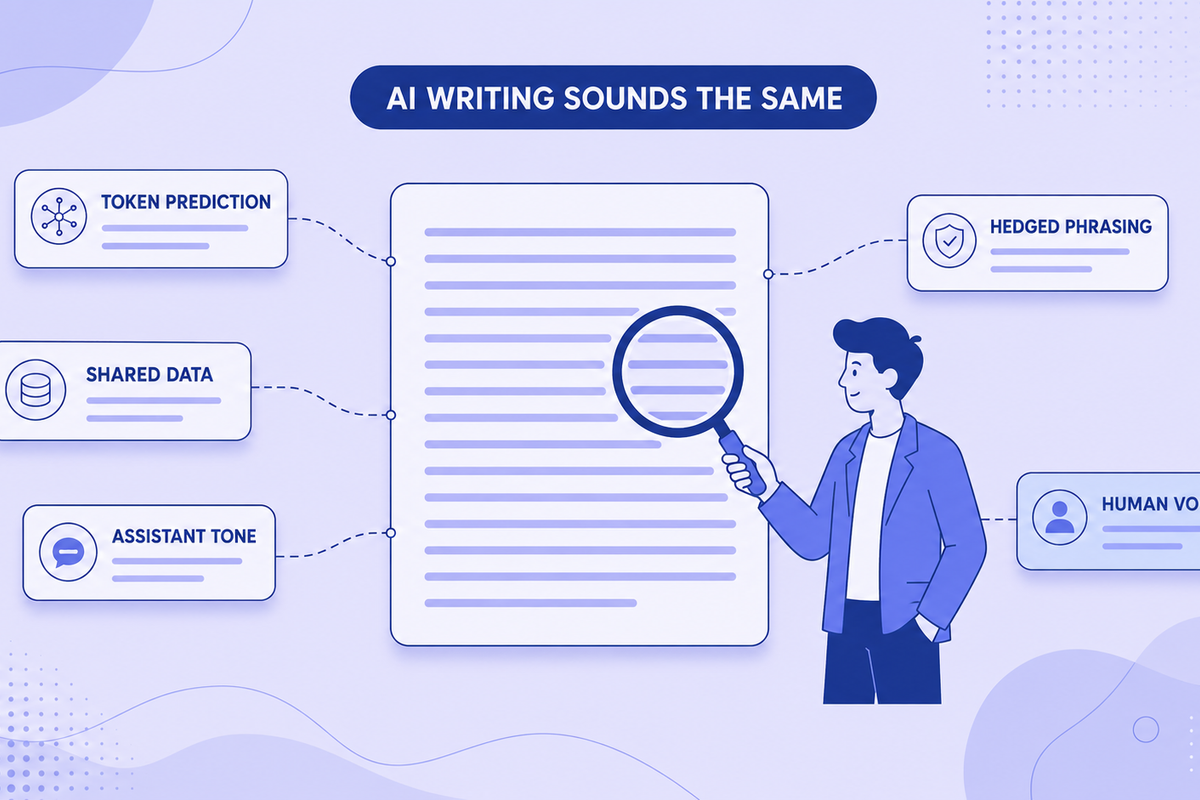
Why All AI Writing Sounds the Same (+ How to Fix It)
AI writing sounds identical due to token prediction and training overlap. Learn the technical causes plus practical fixes for style and watermarks.